Helpdesk
2 minute read
How To Use Spark
Installing the Spark Mod
To install the Spark mod:
-
Download the Spark Mod.
-
Access the RocketNode panel.
-
Stop the server.
-
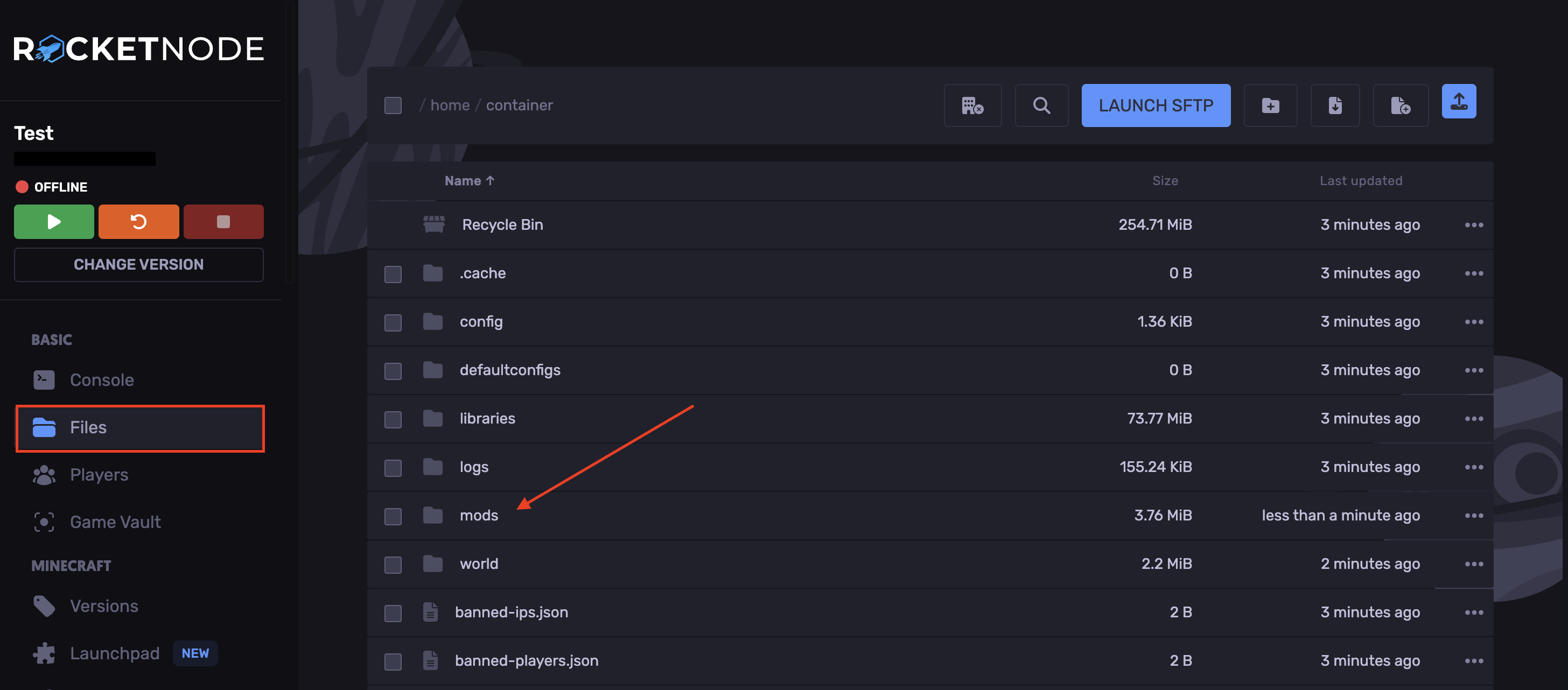
In the Files tab, open the `mods` folder.
-
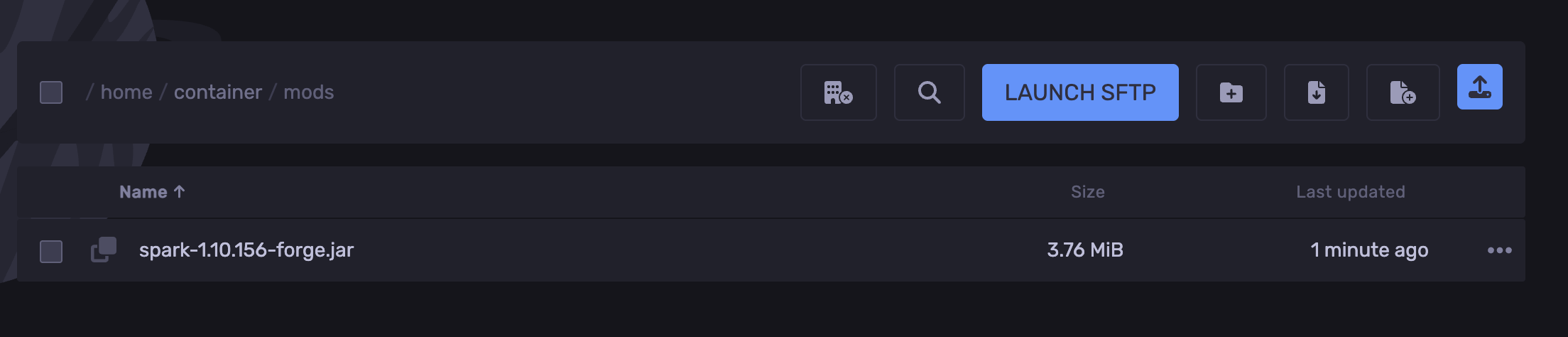
Upload the Spark jar file.
-
Start the server.
You’ve now successfully installed the Spark mod.
Installing the Spark Plugin
To install the Spark plugin:
-
Download the Spark Plugin
-
Access the RocketNode panel.
-
Stop the server.
-
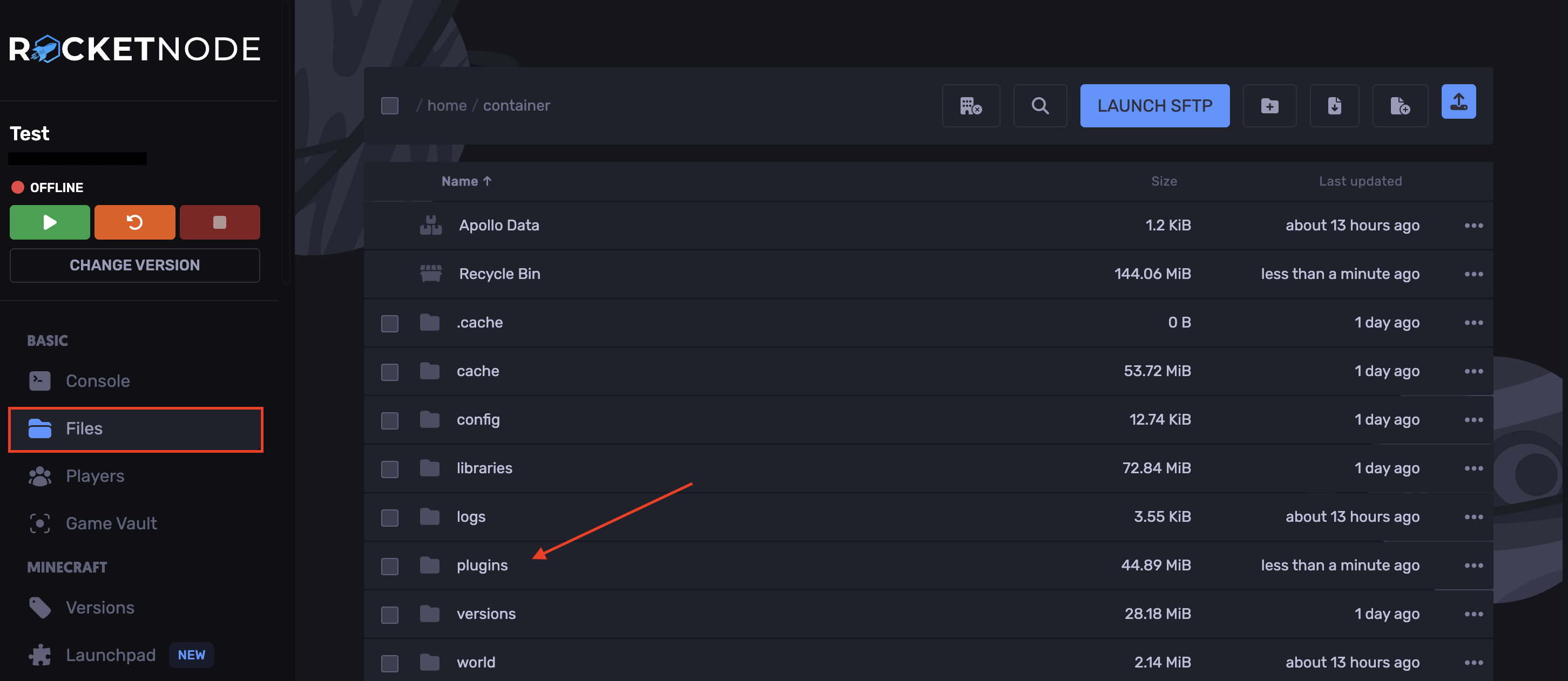
In the Files tab, open the `plugins` folder.
-
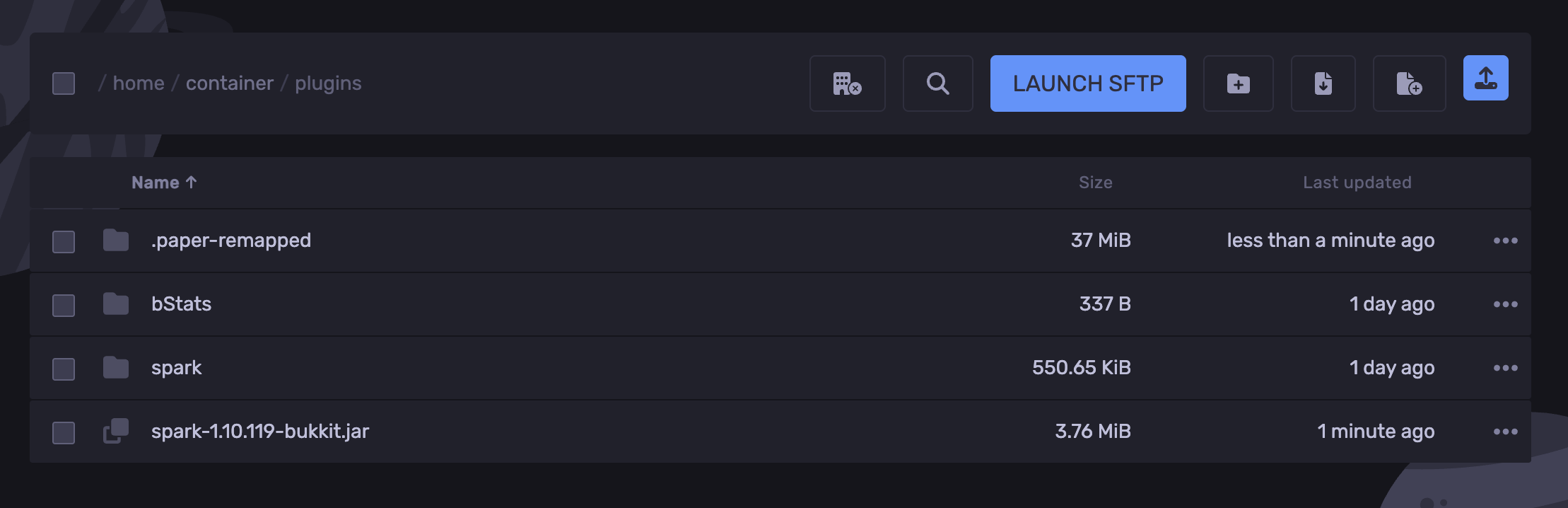
Upload the Spark jar file.
-
Start the server.
You’ve now successfully installed the Spark plugin.
Using the Spark Profiler
-
Start the server.
-
Type `spark profiler` in the console to ensure that the profiler is running.

-
Give it 10 minutes, then enter `spark profiler –stop`.
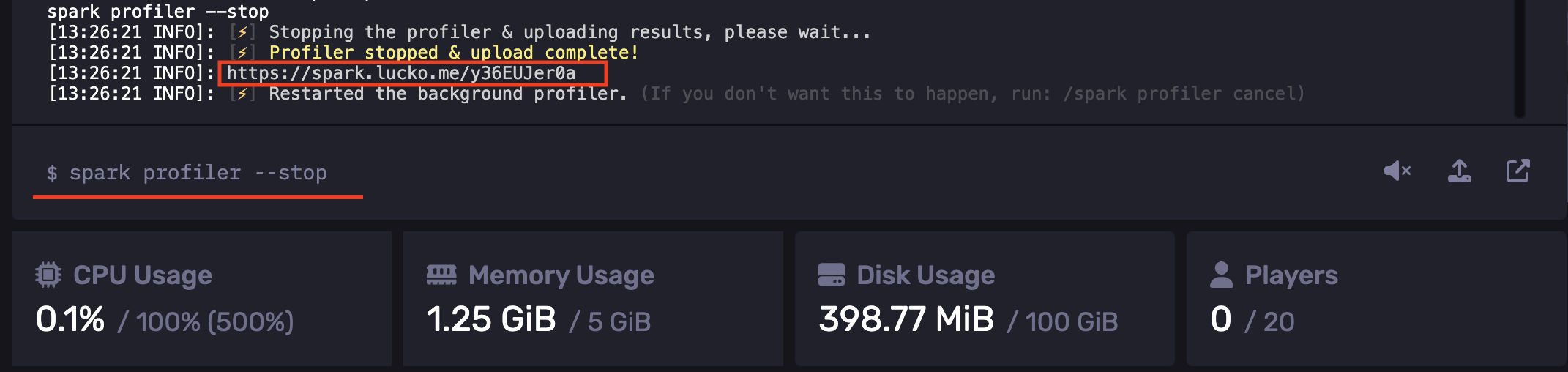
This will generate a link that redirects you to a page with your tick times report.
Additional commands
-
`/spark profiler start –timeout ` - start the profiler and automatically stop it after the number of seconds entered
-
`/spark profiler start –thread *` - start the profiler and track all threads.
-
`/spark profiler start –alloc` - start the profiler and profile memory allocations (memory pressure) instead of CPU usage.
You can find more information at the Spark documentation page.
Sending a Spark Timings Report to Support
-
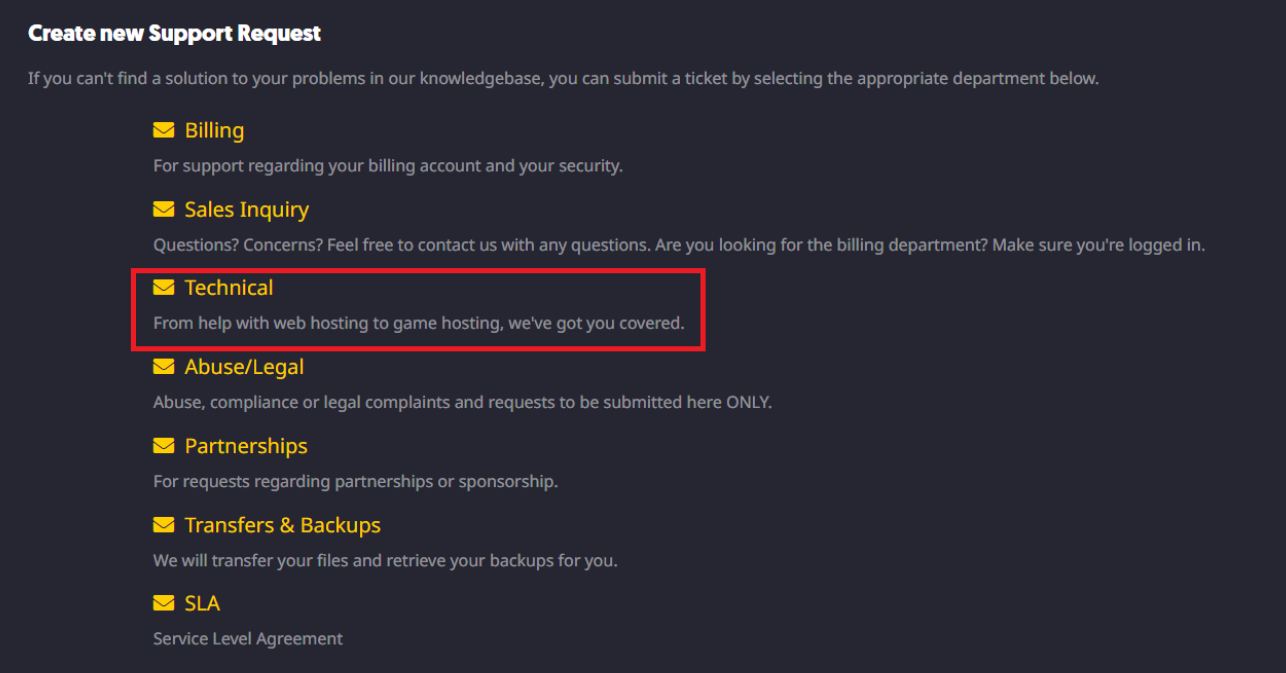
Submit a “Technical Support” ticket here.
-
Provide us with details of your issue and the generated Spark report link.
Find out more about Minecraft server hosting with the help of our Knowledgebase articles that can be found here. For any questions please contact the support team via Discord or on-site Tickets.
your hosting partner
RocketNode offers fast and affordable game and VPS hosting solutions on reliable and efficient hardware with AMD Epyc architecture and NVME storage to assure high performance.
See games & pricing