Helpdesk
2 minute read
How To Use Chunky
Chunky lets you pre-generate chunks on your Minecraft server to reduce lag before players explore the world. A chunk is a 16×16 section of the world that loads when players are nearby, and generating them ahead of time helps the server run more smoothly. Chunky can run multiple generation tasks, pause and resume progress as needed, and provide real-time stats such as chunks processed, completion percentage, ETA, and generation speed.
Installing the Chunky Plugin
-
Install Chunky.
-
Access your RocketNode Panel.
-
Stop the server.
-
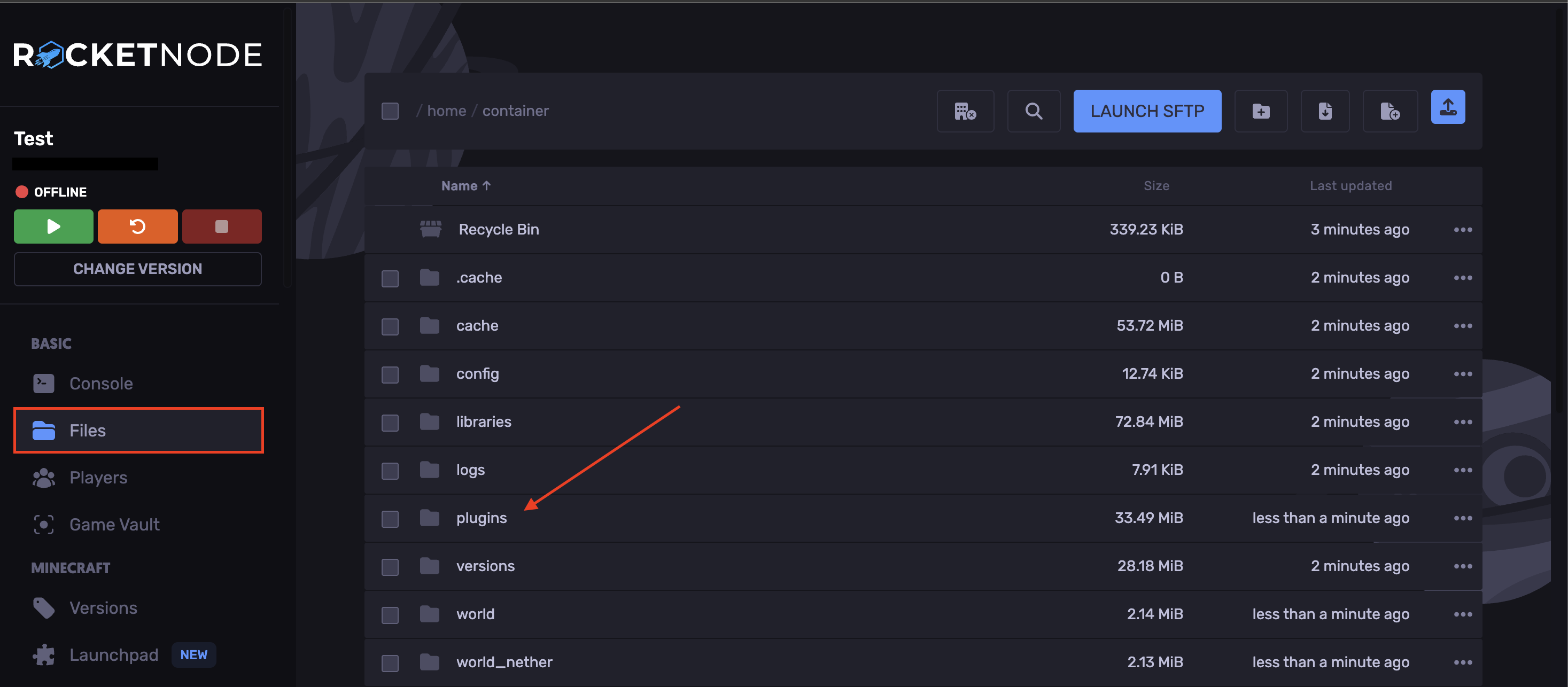
In your Files tab, open the `plugins` folder.
-
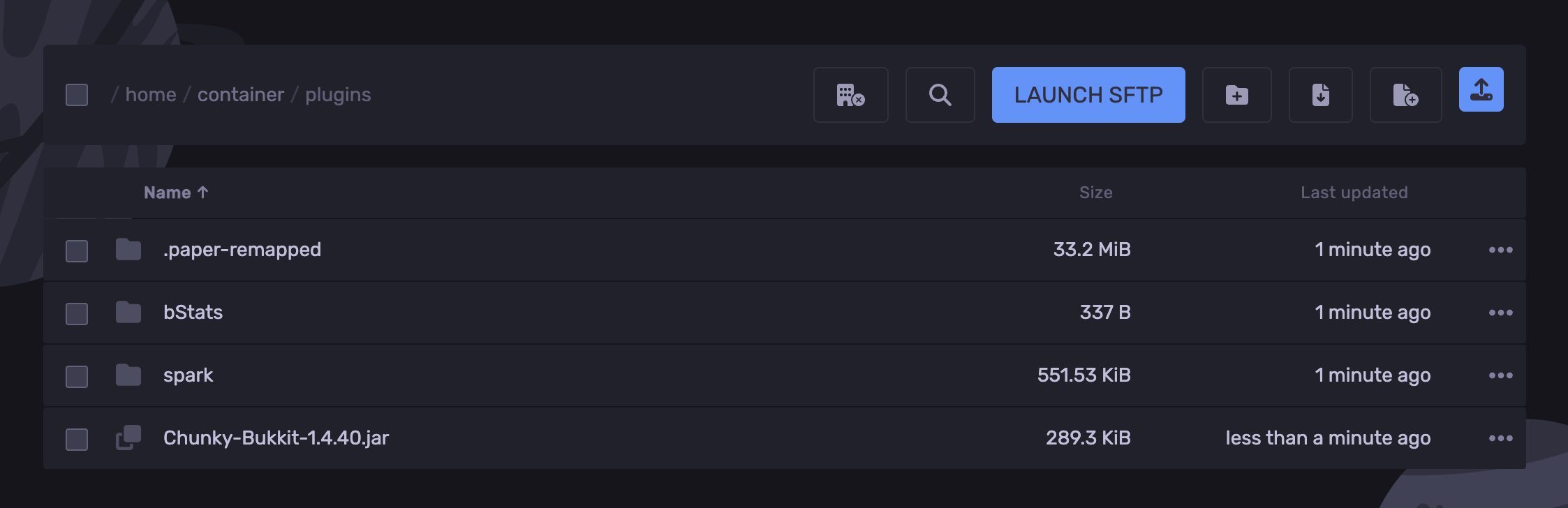
Upload the Chunky plugin.
-
Start the server.
Installing the Chunky Mod
-
Install Chunky.
-
Stop the server.
-
Access your RocketNode Panel.
-
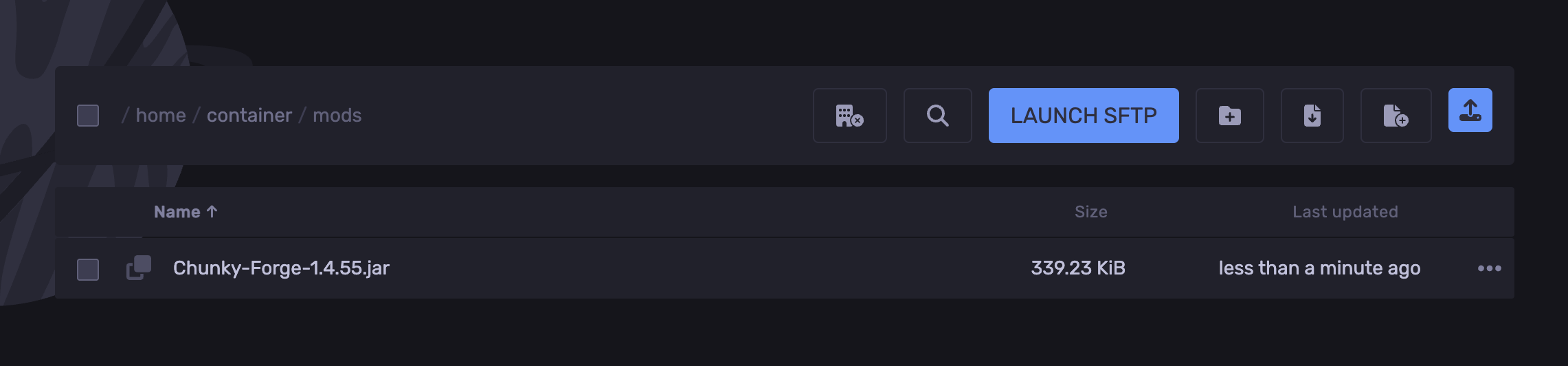
In your Files tab, open the `mods` folder.

-
Upload the Chunky mod.
-
Start the server.
Pre-Generating Chunks
-
Type the following command to set the world center: `/chunky center x z `
-
Type the following command to set the area you’d like to pre-generate: `/chunky radius `. Replace `` with how far (in chunks) you’d like to generate from the center (for example, `/chunky radius 300`).
-
Now, type the following command to begin generating the chunks: `/chunky start`
To check the generating status, use `/chunky status`
To pause or resume, you can use `/chunky pause` to pause and `/chunky resume` to continue.
Find out more about Minecraft server hosting with the help of our Knowledgebase articles that can be found here. For any questions please contact the support team via Discord or on-site Tickets.
your hosting partner
RocketNode offers fast and affordable game and VPS hosting solutions on reliable and efficient hardware with AMD Epyc architecture and NVME storage to assure high performance.
See games & pricing