Helpdesk
Go back to main page
1 minute read
How to Add a Billing Sub-User
A billing sub-user lets someone access your billing account to view invoices or manage payments without full account control. You can invite a new user in the user management tab and set their permissions to keep your account secure.
Adding a sub-user
-
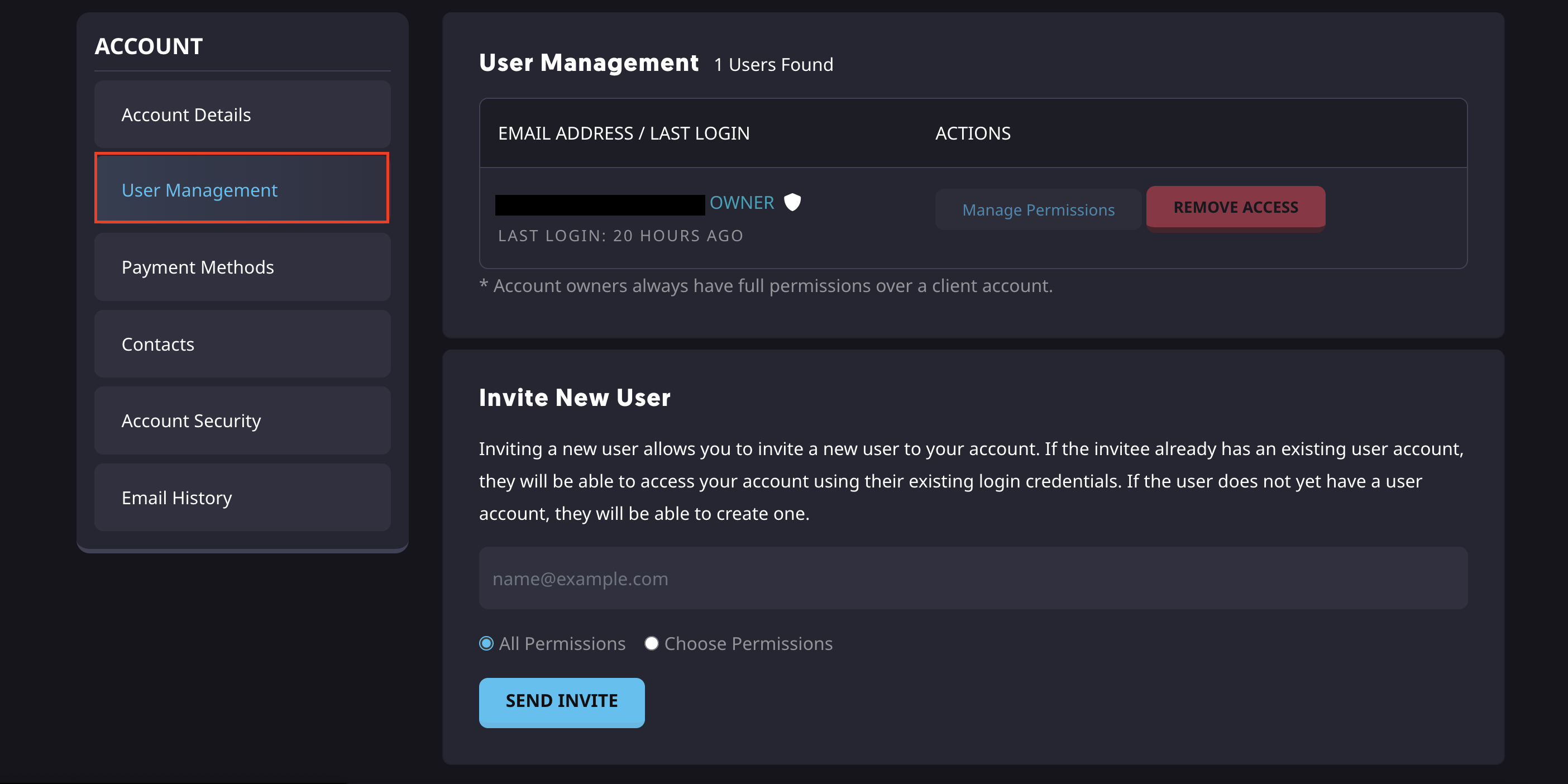
Navigate to the User Management tab here.
-
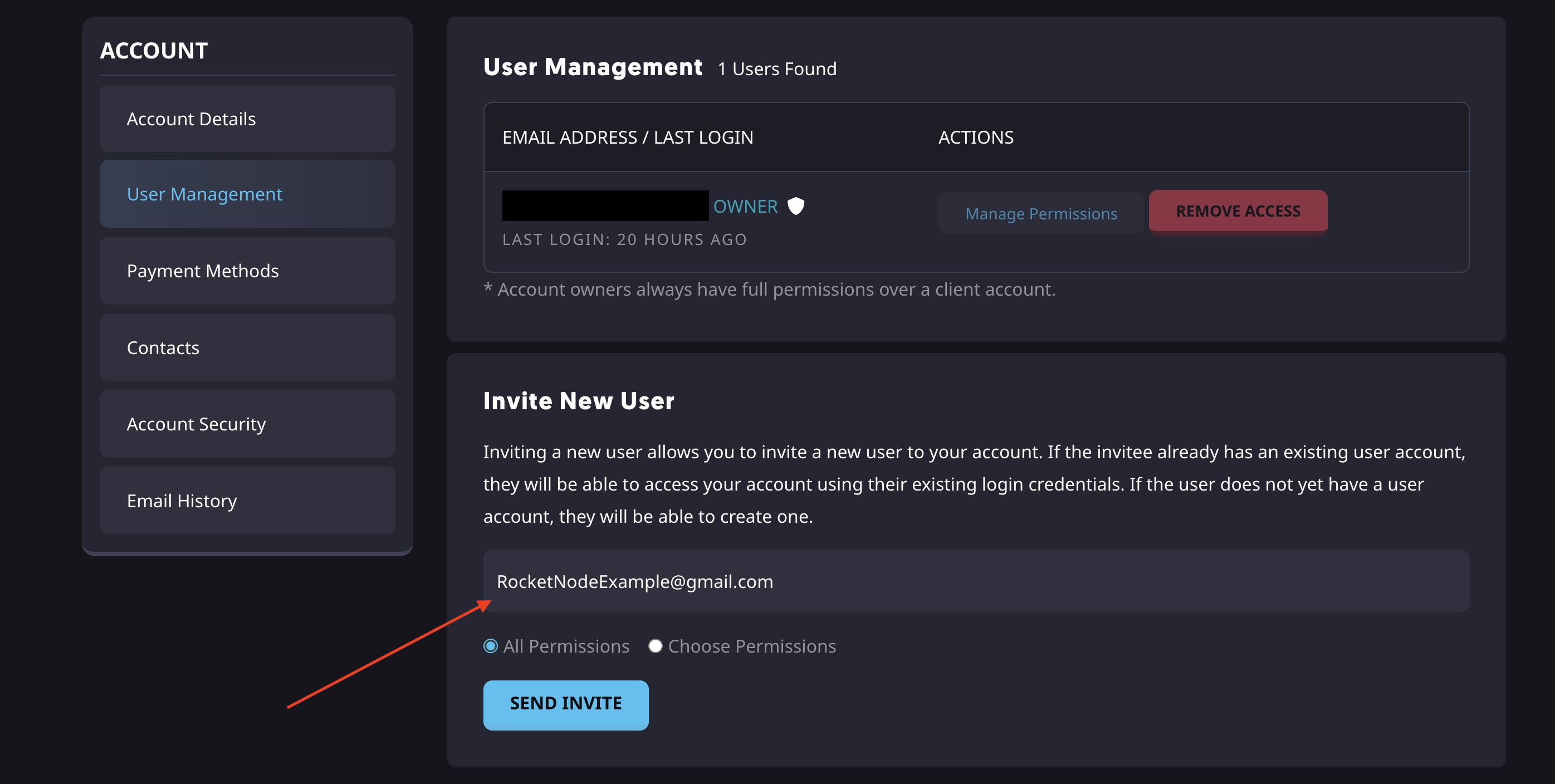
Enter the user’s email address.
-
Choose the desired permissions.
-
Click Send Invite.
-
The user will now receive an email with the invite.
Find out more about server hosting with the help of our Knowledgebase articles that can be found here. For any questions please contact the support team via Discord or on-site Tickets.
Updated March 26, 2026
Choose RocketNode as
your hosting partner
your hosting partner
RocketNode offers fast and affordable game and VPS hosting solutions on reliable and efficient hardware with AMD Epyc architecture and NVME storage to assure high performance.
See games & pricing
As featured on