
Available Servers
Choose from our high-performance bare metal servers. All configurations include enterprise DDoS protection and full IPMI access.
Showing 2 of 2 results

Included with Every Server
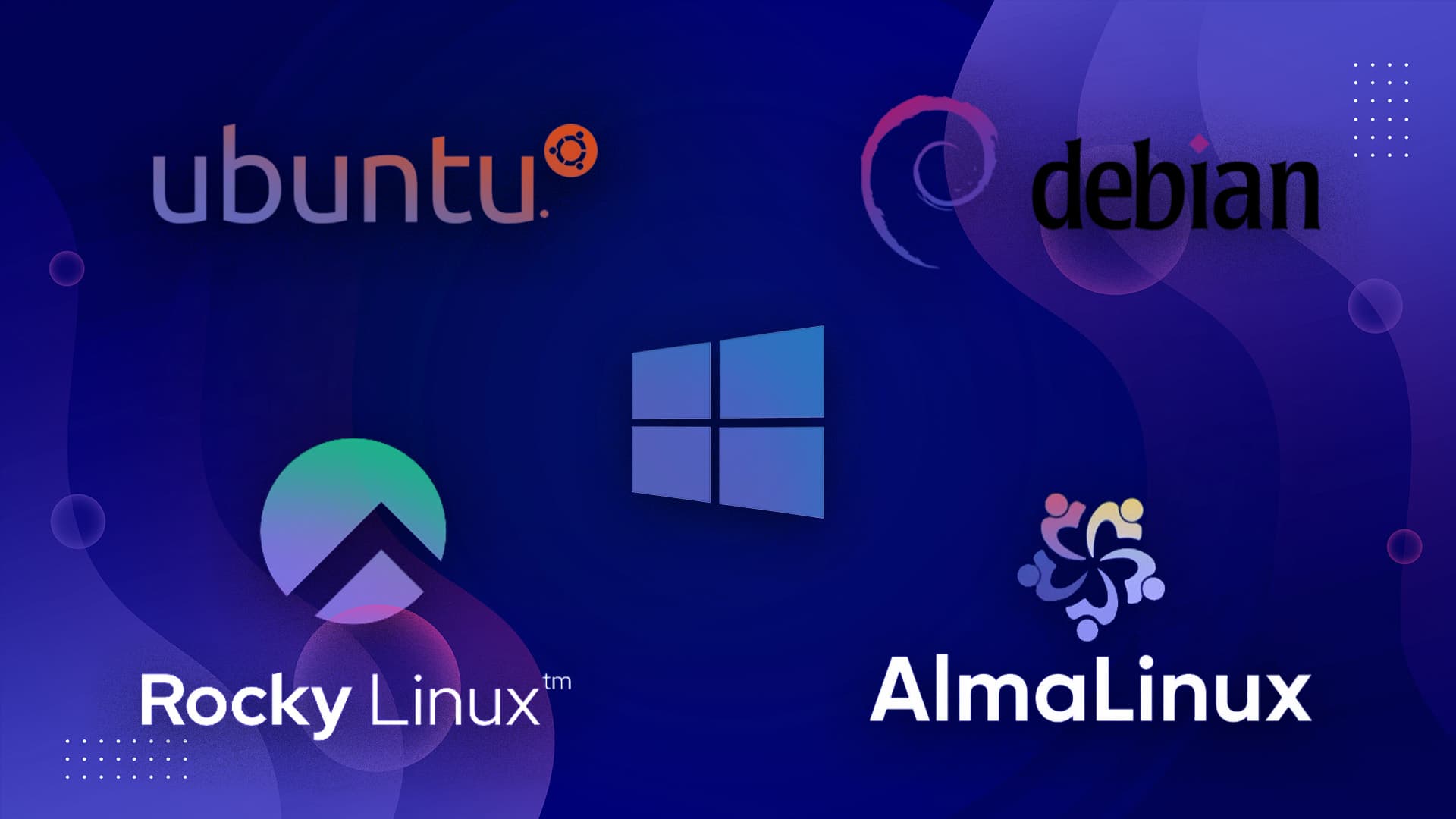
All the Best Operating Systems
At RocketNode, we provide full support for all ISOs. Don't see an operating system you want to use? Just open a ticket with our support team during server deployment, we can add it for you!
- Ubuntu
- Debian
- Alma
- Rocky
- Windows
Advanced
DDoS Protection
Stay online no matter what. Our multi-layer protection shields your server from the most sophisticated attacks with automatic mitigation.
Instant Mitigation
Attacks are detected and mitigated within milliseconds
Layer 3-7 Protection
Complete protection against all attack vectors
Global Network
Distributed scrubbing centers worldwide for maximum resilience
99.99%
Uptime
2 Tbps
Capacity
<1ms
Response

Choose from multiple locations around the globe
We have colocated our dedicated servers around the globe in premium data centers, giving us the flexibility to customize our hardware and network, thereby ensuring our services are always available and reliable.

Find the perfect ping for your players
Our infrastucture is spread out and located worldwide so everyone can enjoy our services. Use our estimated ping checker to find a possible best fit for you!

- North America
- —
- North America
- —
- North America
- —
- North America
- —

- Europe
- —

- Oceania
- —

- Asia
- —

- Asia
- —

- Europe
- —

- Europe
- —

- Europe
- —
Frequently
Asked Questions
Backed By Thousands of Positive Reviews
Knowledgebase
Browse our comprehensive guides and tutorials to help you get the most of your hosting.
How to Install Mods on your DayZ Server
Learn how to make your server unique by installing custom mods.
Read articleHow To Install Mods On Your Palworld Server
Learn to install mods on your Palworld server with this easy step-by-step guide. Enhance your gameplay today! Read the article for detailed instructions.
Read articleHow to Transfer Your Palworld Local Save to Your Server
Easily transfer your Palworld local save to your server with our step-by-step guide. Follow these instructions to ensure a smooth transition. Read more!
Read articleHow to Add a Billing Sub-User
A billing sub-user lets someone access your billing account to view invoices or manage payments without full account control. You can invite a new user in the user management tab and set their permissions to keep your account secure.
Read articleHow to Turn Off Online Mode
In this guide, we’ll show you how to disable online mode for your minecraft server.
Read articleHow To Use Chunky
Chunky can run multiple generation tasks, pause and resume progress as needed, and provide real-time stats such as chunks processed, completion percentage, ETA, and generation speed.
Read article