Web Hosting4 min read
How to Add Another Domain to Your Account
Add a second website, an extra address for an existing site, or a redirect, then point the domain to your hosting and check that it works.

There are three different things people mean by "add another domain", and picking the right one saves you undoing it later.
-
A second website. A different project with its own content: its own files, its own databases, its own PHP version and its own backups. Use this when the two sites have nothing to do with each other.
-
An extra address for an existing site. The same website answers on more than one domain. This is what you want for the .net and .org versions you registered defensively, for a country variant, or for the domain you used before a rebrand.
-
A redirect. The second domain doesn't serve anything itself; it simply sends visitors to your main address. Usually the best option for old or alternative domains, because two domains serving identical content splits your search visibility between them.
If in doubt between the last two, choose the redirect. It's easier to reverse than the consequences of duplicate content.
Before you start
The domain must already be registered, and you need access to wherever it's registered, because it has to be pointed here as well as added here.
Check that your plan has room. Plans include a set number of websites and domains, and the add button simply won't cooperate once you've used them.
Decide which of the three options above you want. The steps differ from the first click.
To add it as a separate website
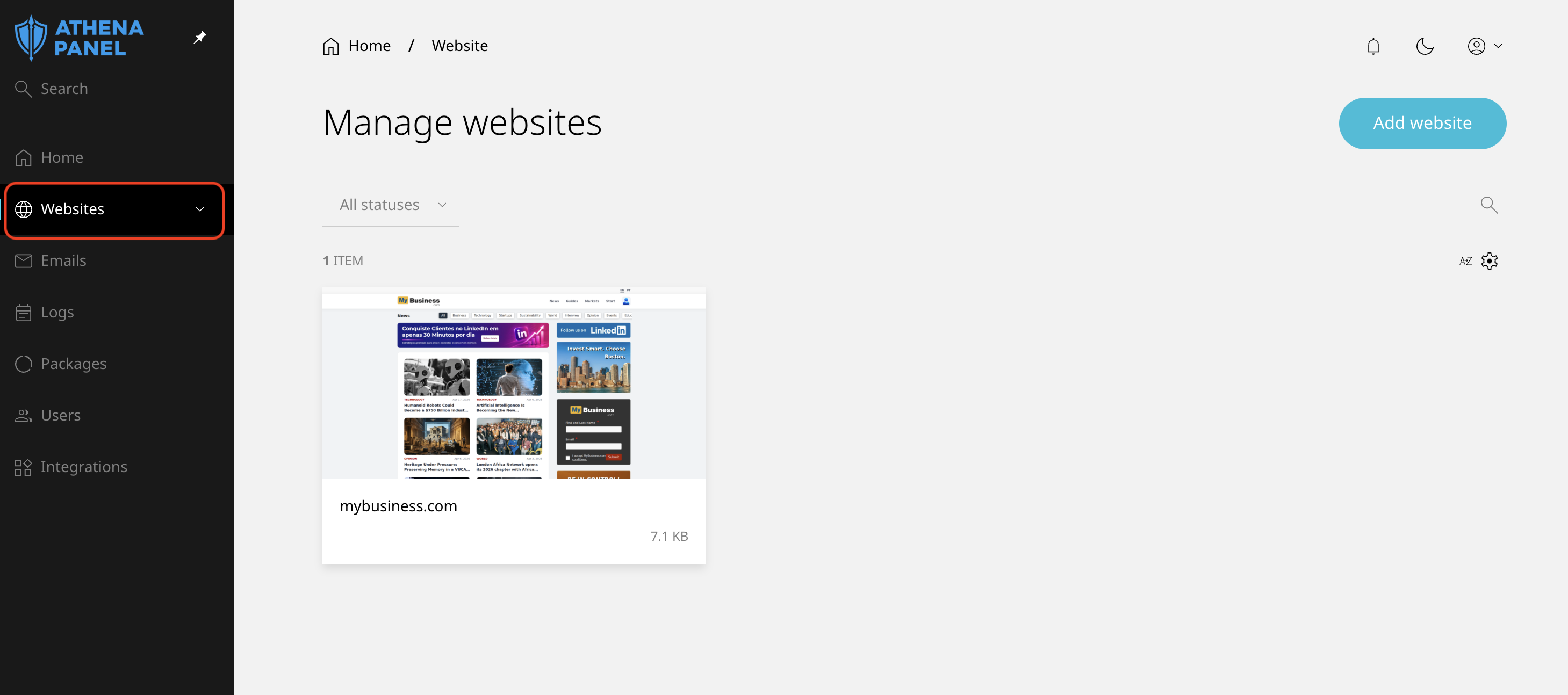
- Log in to your hosting panel and click Websites in the left-hand menu.
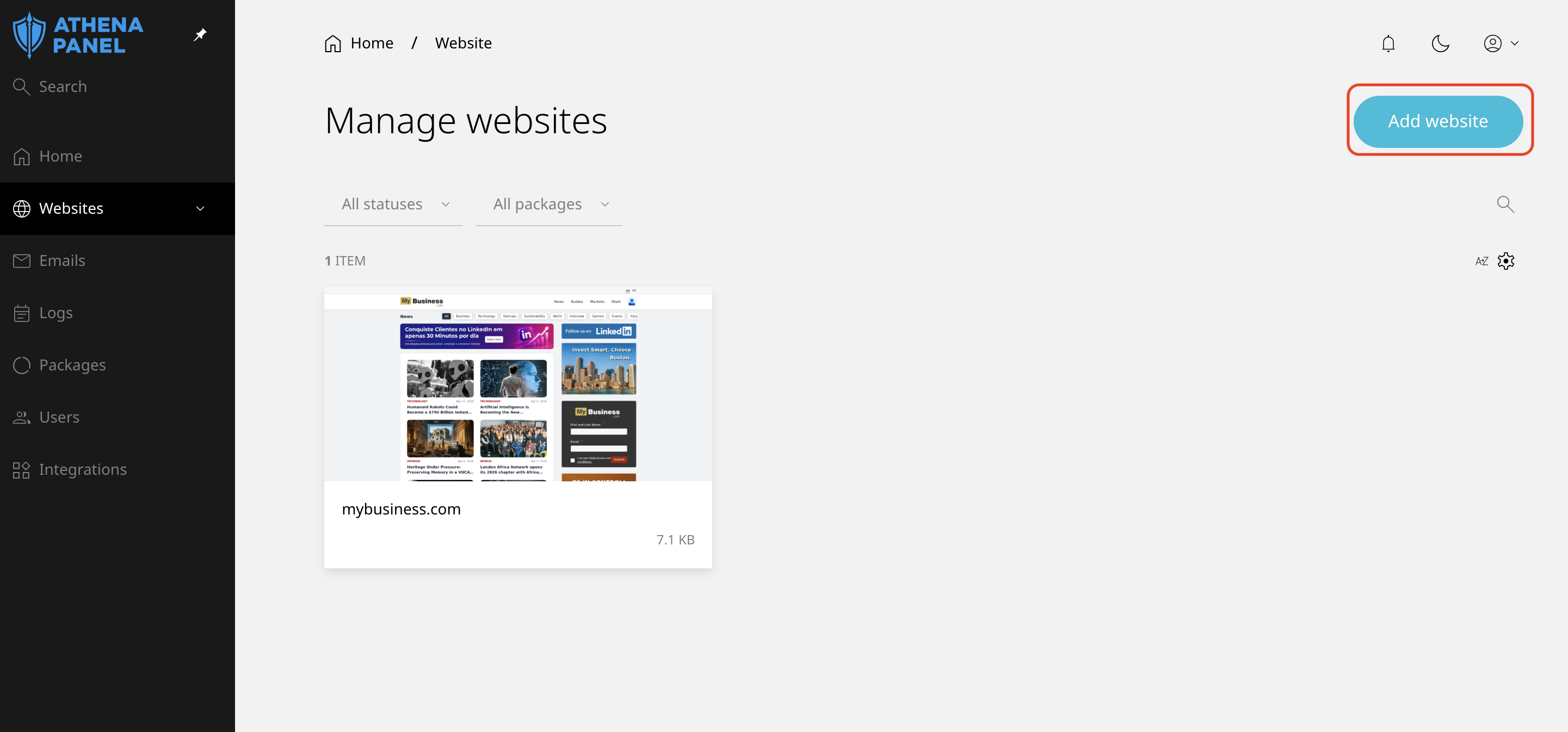
- Click Add website.
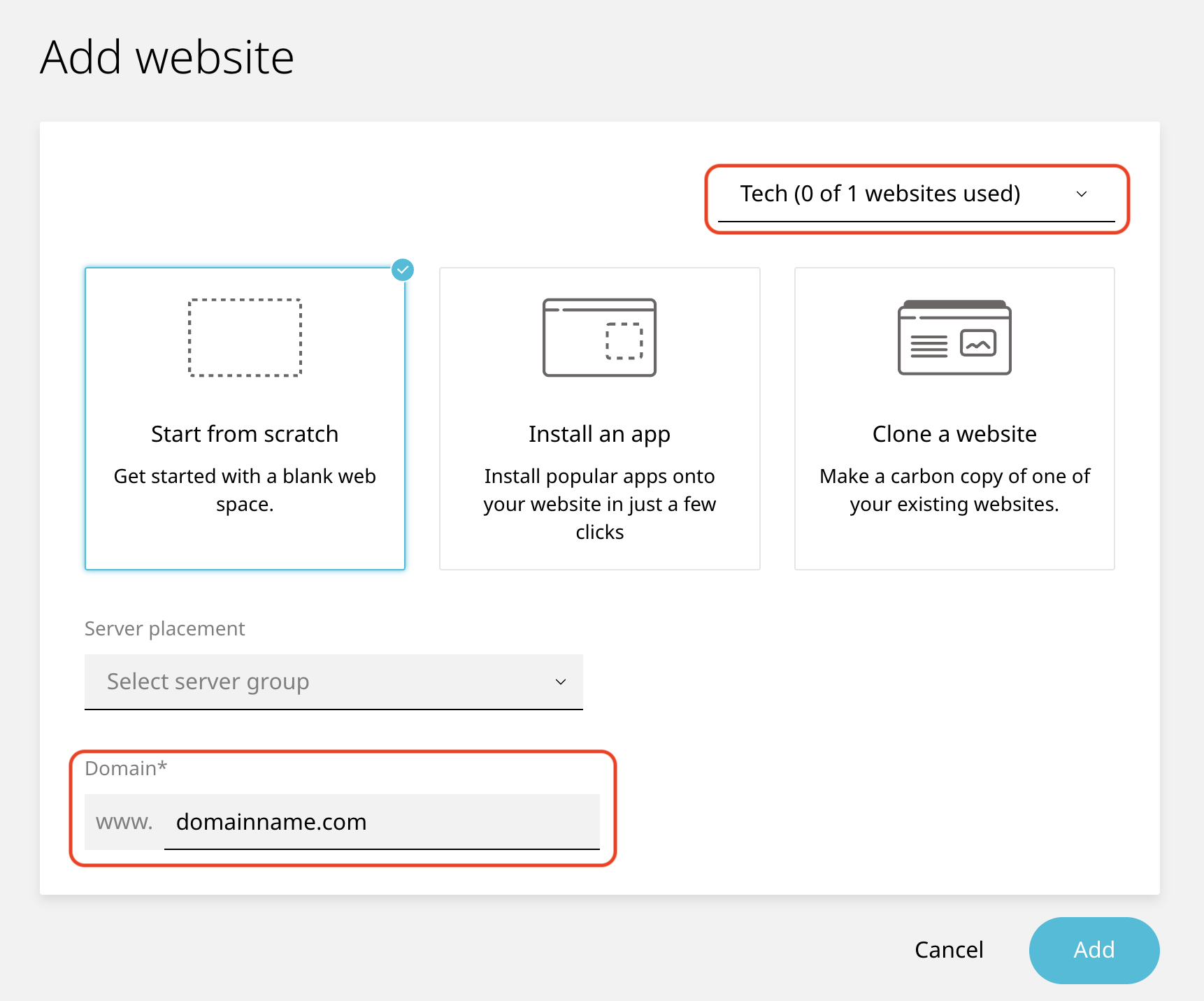
- Enter the domain without
http://orwww.
- Save.
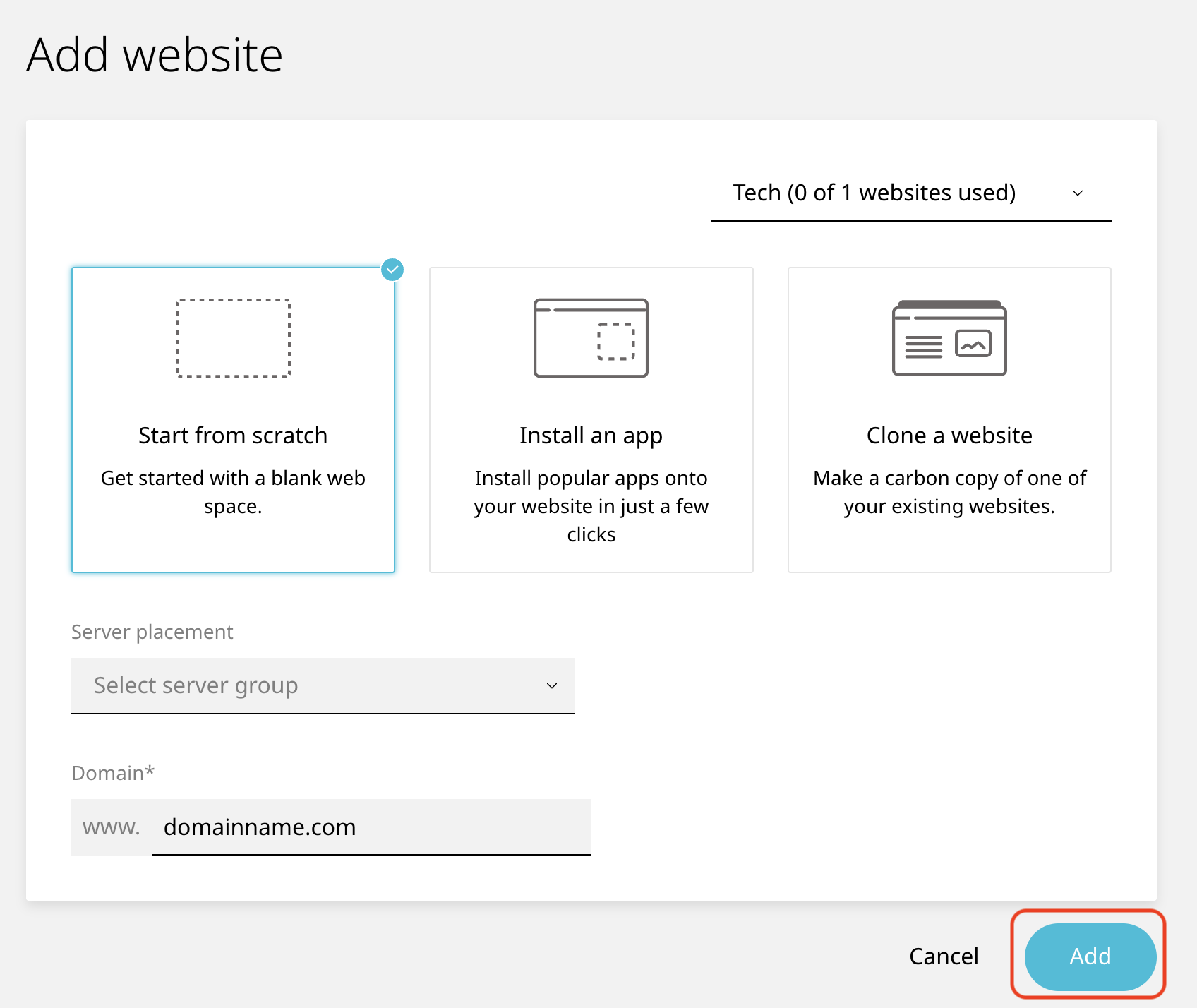
You now have an independent site, with its own empty folder waiting for content.
To add it as an extra address for an existing site
- Log in and click Websites.
- Click the site that should answer on the new domain.
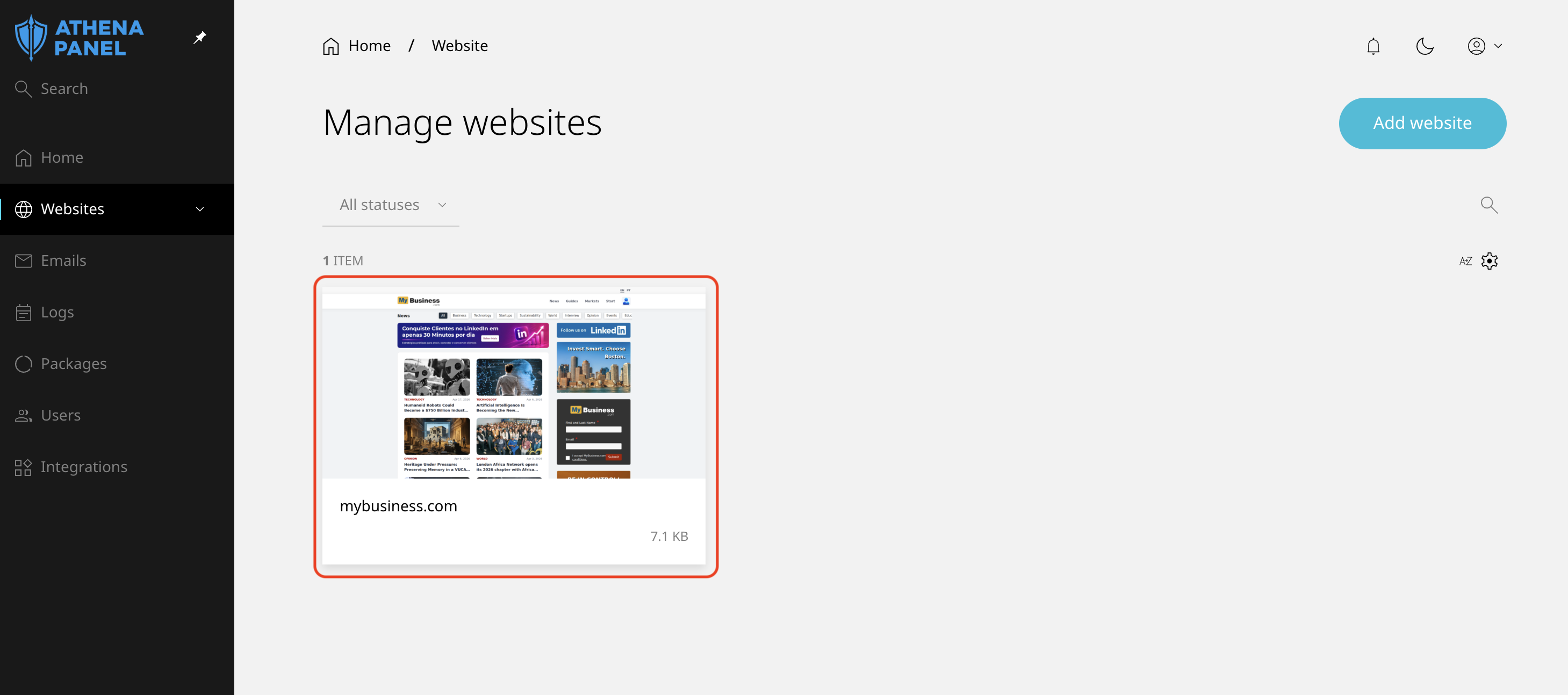
- Open the Domains tab.
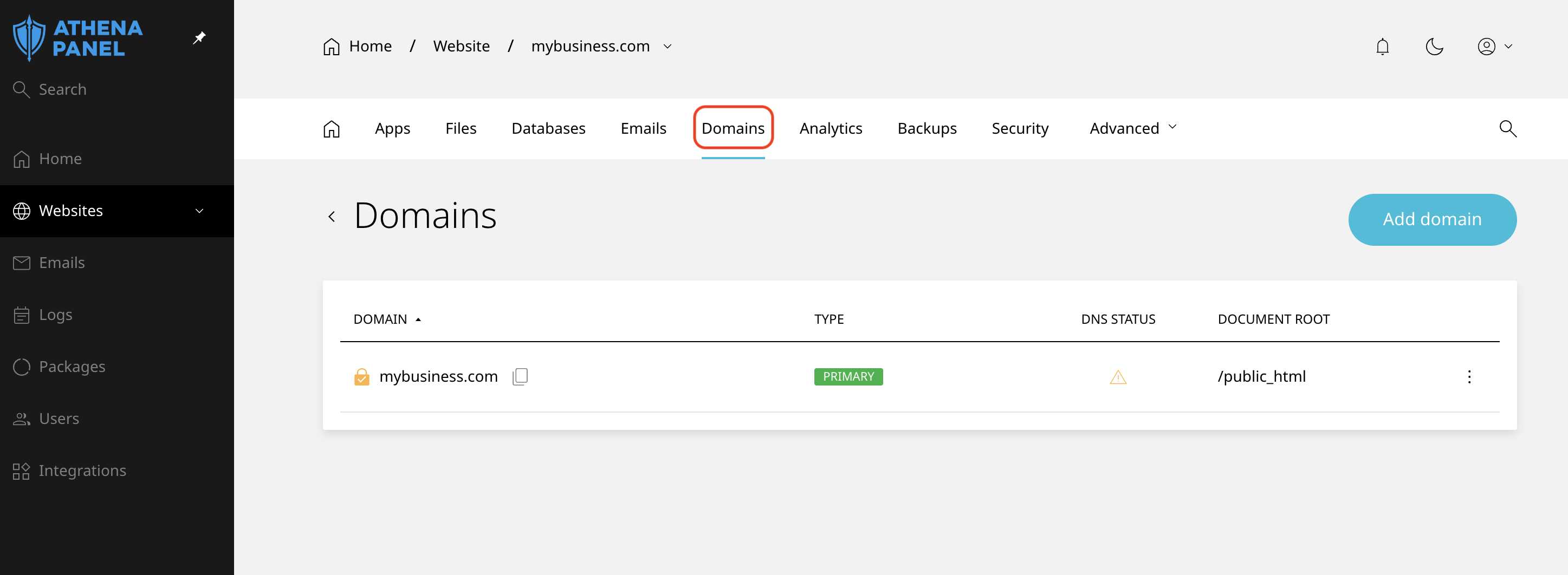
- Click on Add domain.
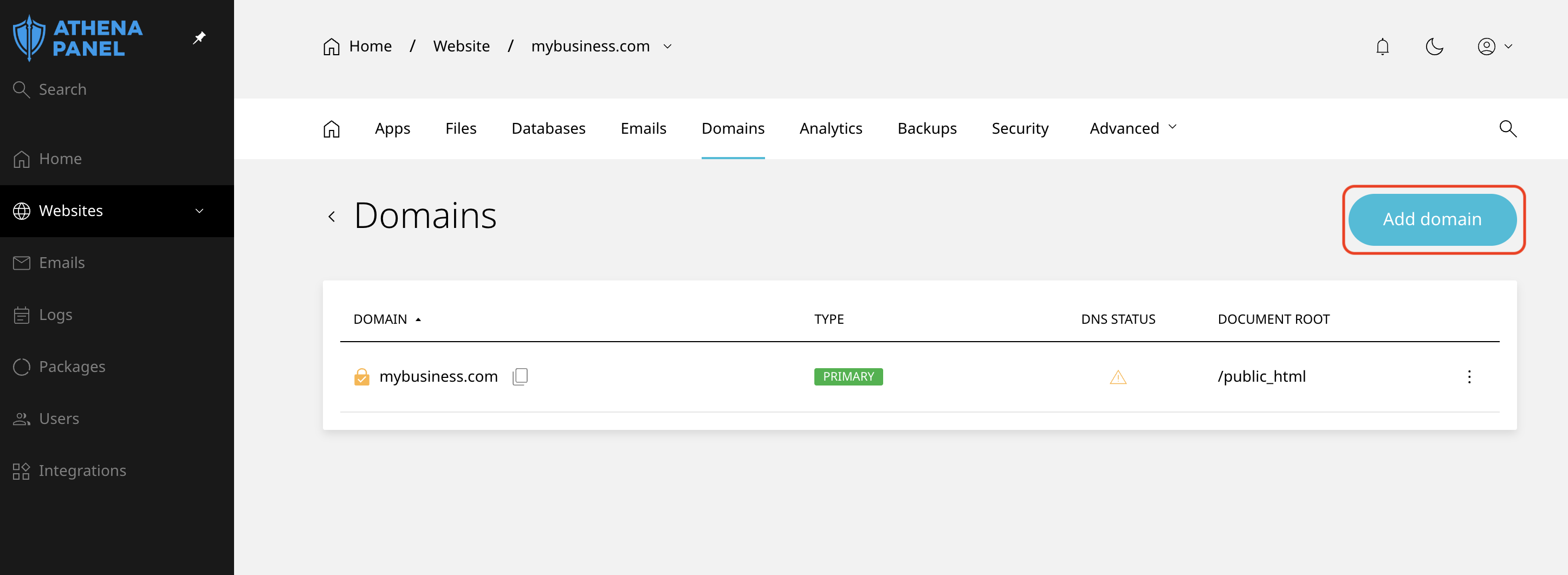
- Enter the name of the domain you want to add, and then click Add.
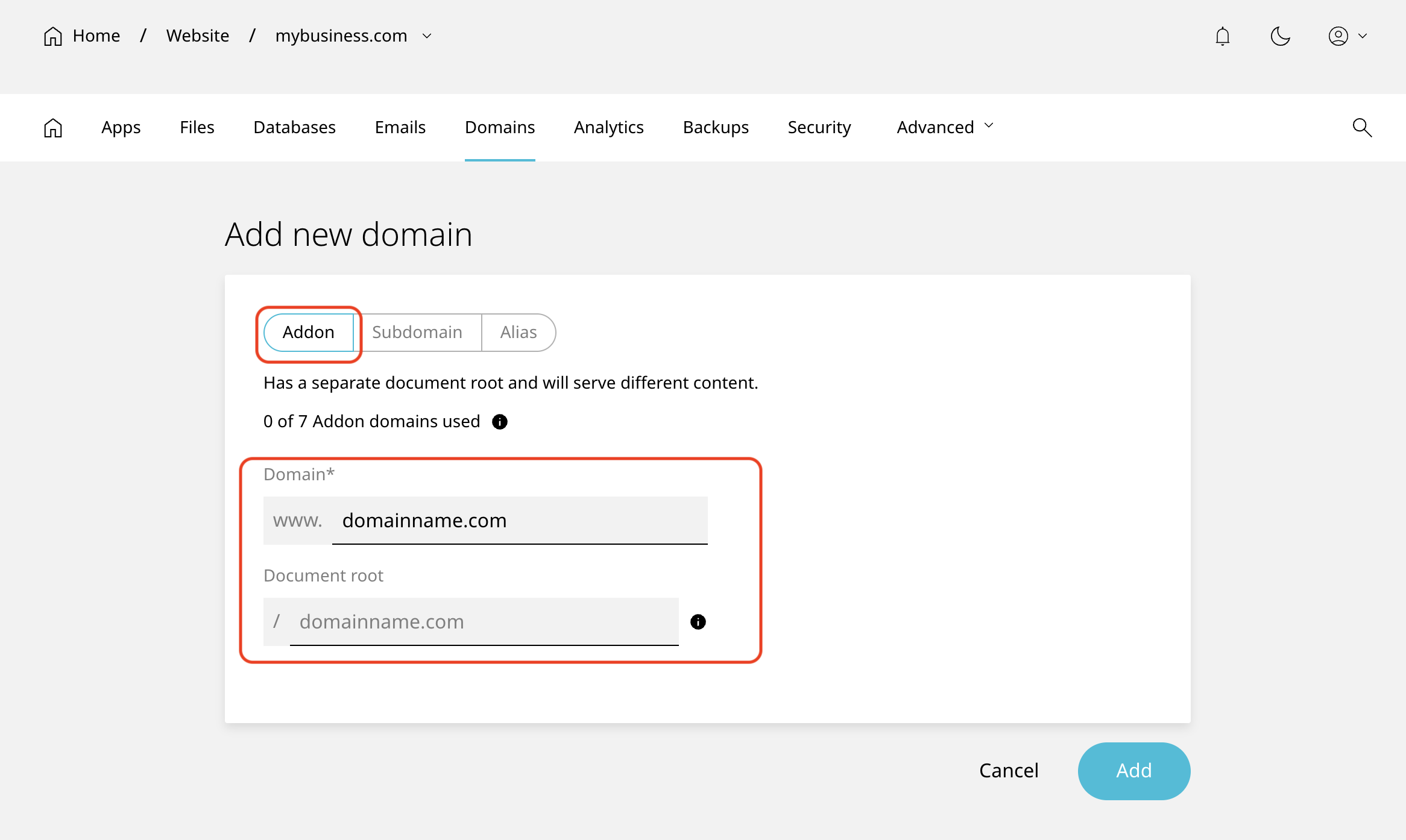
Add the www version too if you want www.newdomain.com to work, and the panel doesn't do it automatically.
To set it up as a redirect
Add the domain as above, then use the redirect option to send it to your main domain. A permanent redirect, type 301, is what you want for a domain that's moved for good. Use a temporary one, 302, only if the change really is temporary.
Then point the domain here
Adding the domain in the panel tells our server to answer for it. It doesn't make the internet send anybody here. That part happens at your registrar.
Change the domain's nameservers to:
ns1.athenapanel.com
ns2.athenapanel.com
Or, if you keep DNS elsewhere, create an A record pointing to the IP address shown on the site's overview.
If the domain currently receives email somewhere, write down its MX records before changing nameservers, and recreate them in the panel afterwards.
How to check it worked
Open the new domain in a private browsing window.
For a second website, expect a placeholder until you add content. For an extra address, expect your existing site to appear. For a redirect, expect the address bar to change to your main domain.
Check the padlock as well, on both the new domain and its www version. Certificates are issued once each name resolves here, so allow up to an hour after the domain starts loading.
Common problems
-
The domain is added but nothing loads. It isn't pointing here yet. Check the nameservers at your registrar, and remember DNS changes can take a few hours to spread.
-
The new domain shows a placeholder instead of your existing site. It was added as a separate website instead of an additional address on the existing one. Delete the empty site and add the domain from the existing site's Domains tab instead.
-
newdomain.comworks, butwww.newdomain.comdoesn't. The www version is a separate hostname and needs to be added too. -
A certificate warning on the new domain. The certificate hasn't been issued yet because the name only just started resolving. Wait an hour, then open a ticket if it persists.
-
Email for the new domain doesn't work. Attaching a domain to a site doesn't create mailboxes for it. Create the addresses you need on the Emails tab, and make sure the domain's MX records point here.
-
"This domain is already in use." It's attached to another site on your account, or to an account elsewhere on the same infrastructure. Check your other sites first. If it isn't yours, open a ticket, and we'll check what's holding it.
-
You've hit the limit on your plan. Remove a domain or site you no longer need, or upgrade. Worth checking your usage before assuming something is broken.