

 Ark SEless than a minute read
How to Set an ARK Server Password
Protect your server from unwanted players by setting a password.

RocketNode Staff
Implementing a server password on your ARK Server mandates that users must input the password to access the server. Initially, the server is open for anyone to join without requiring a password.
Setting a Password
- Go to your ARK Server Panel and make sure the server is off.
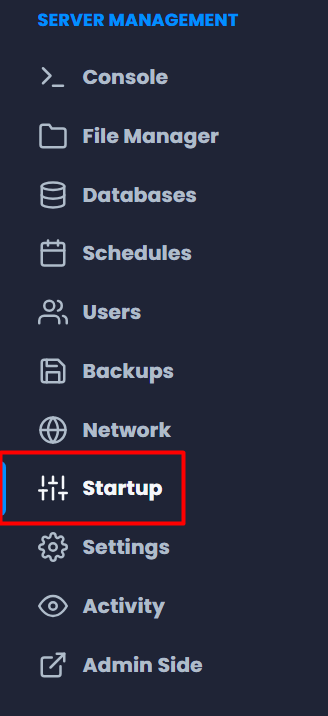
- Navigate to Startup.
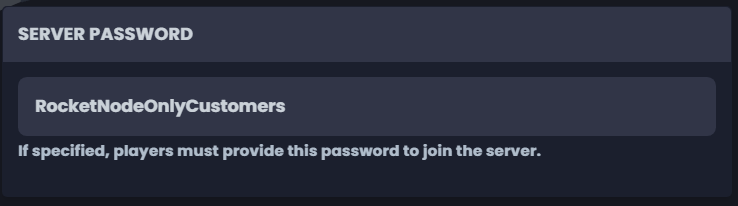
- Look for the Server Password variable and put a secure password.
- Go back to Console and Start the server.
Find out more about ARK server hosting with the help of our Knowledgebase articles that can be found here.
For any questions please contact the support team via Discord or on-site Tickets.
