

 Ark SEless than a minute read
How to Reset the Data of Your ARK Server
If having a fresh start on your server is what you want, this is the article.

RocketNode Staff
If you're looking to start over and embark on a new adventure in ARK by resetting your map, you'll need to follow a series of steps to do so.
Resetting the Data
- Go to your ARK Server Panel and make sure the server is off.
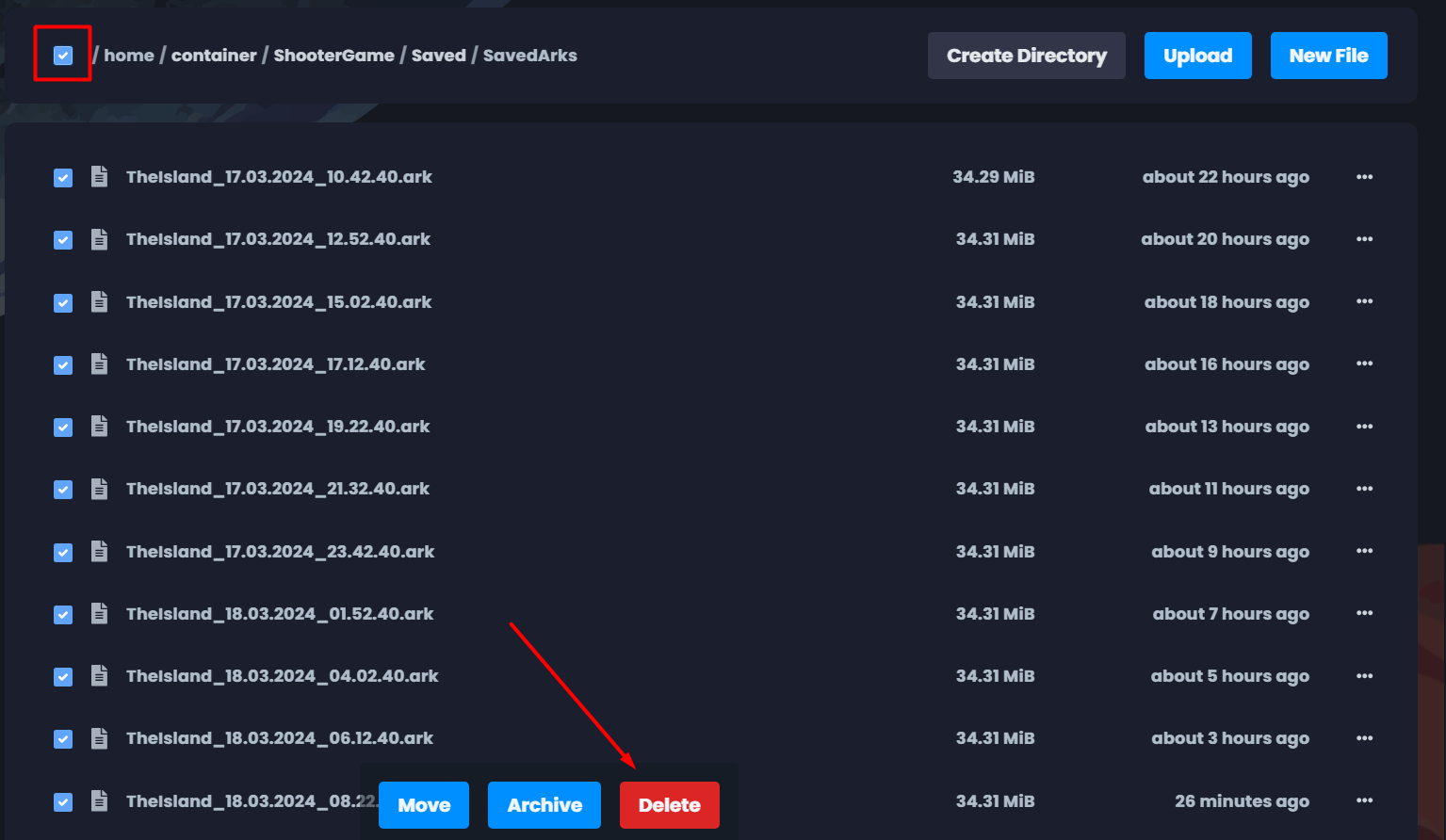
- Navigate to File Manager > ShooterGame > Saved > SavedArks.
- Press on the button top right to select all the files and then press Delete.
- Go back to Console and Start the server.
NOTE: If you want to delete only the current map, search the maps name and delete just that one.
Find out more about ARK server hosting with the help of our Knowledgebase articles that can be found here. For any questions please contact the support team via Discord or on-site Tickets.
