Get Started With Terraria Hosting
Start your terraria server hosting adventure today with modded support for tShock & tModLoader and a vanilla experience like no other. Services are backed by a 24/7 available support team, ddos protection and lag free services.
- High Performance
- Framework Installer
- Instant Setup
- 24/7 Support
- Global Locations
- DDoS Protection

Play Terraria with Friends
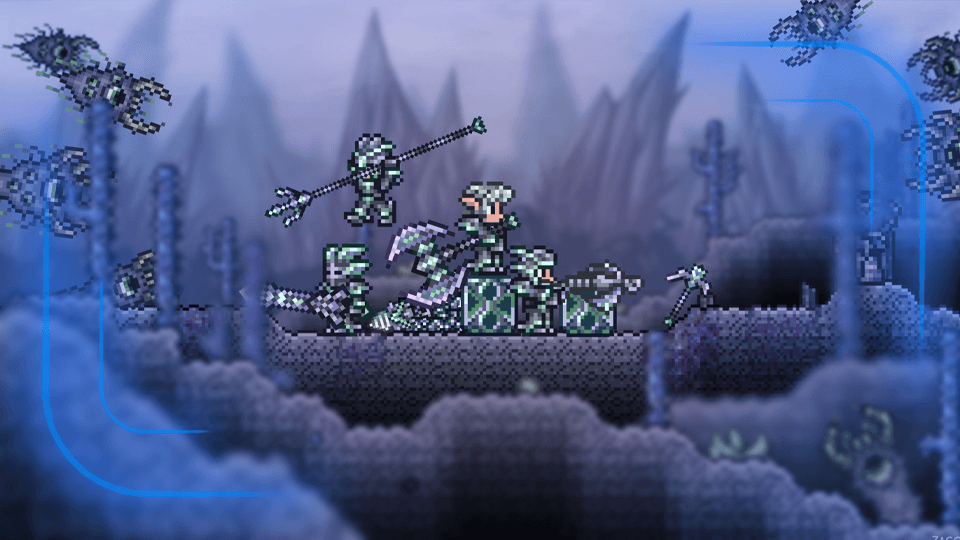
Playing Terraria with friends is pure, glorious chaos. You start out with a simple plan to build a small house, but a few minutes in, someone’s dying in a deep cave, another friend is arguing over wooden roof tiles, and somebody just accidentally summoned a giant eyeball boss. You’re constantly scrambling, sharing gear, and dying in hilarious ways while screaming at each other on a call. It’s a total mess, but beating a tough boss together after hours of nonsense makes every single ridiculous moment worth it.
- Best 2D Experience
- Custom Gameplay Freedom
Control Your 2D Adventure
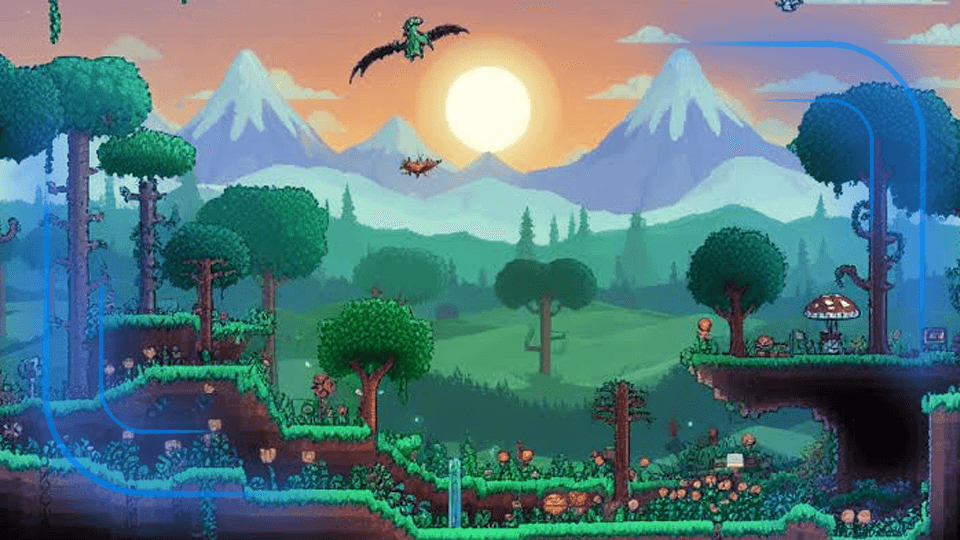
Control your world and even add mods to spice things up, don't like the vanilla experience? We offer support for tShock and tModLoader aswell to ensure you want the gameplay that you need. Not to mention fighting even harder bosses or getting weapons that's wayyyyy better than vanilla items.
What Is Terraria Server Hosting?
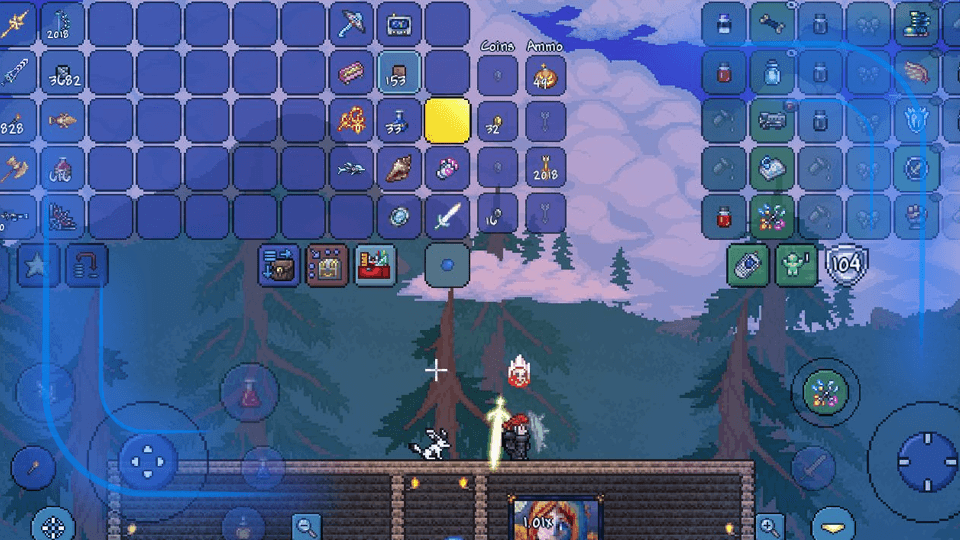
With RocketNode, your Terraria dedicated server stays online around the clock, so your crew can jump into the game whenever you feel like. No more waiting around for someone to log on and host, our high-performance game server hosting handles all the heavy lifting so your PC doesn't have to. Whether you're pulling late-night building sessions, loading up massive tModLoader mods like Calamity, or taking down bosses together, you get low-latency Terraria hosting with instant setup, DDoS protection, and full control over your world.
Advanced
DDoS Protection
Stay online no matter what. Our multi-layer protection shields your server from the most sophisticated attacks with automatic mitigation.
Instant Mitigation
Attacks are detected and mitigated within milliseconds
Layer 3-7 Protection
Complete protection against all attack vectors
Global Network
Distributed scrubbing centers worldwide for maximum resilience
99.99%
Uptime
2 Tbps
Capacity
<1ms
Response

Choose from multiple locations around the globe
We have colocated our dedicated servers around the globe in premium data centers, giving us the flexibility to customize our hardware and network, thereby ensuring our services are always available and reliable.

Find the perfect ping for your players
Our infrastucture is spread out and located worldwide so everyone can enjoy our services. Use our estimated ping checker to find a possible best fit for you!

- North America
- —
- North America
- —
- North America
- —
- North America
- —

- Europe
- —

- Oceania
- —

- Asia
- —

- Asia
- —

- Europe
- —

- Europe
- —

- Europe
- —
Our Game Panel
Power your gameplay with Apollo Panel, the ultimate server management solution built exclusively for gamers.
Intuitive Dashboard
Real-time monitoring of your server for complete management.
Modern File Manager
Easily manage your files with our intuitive file manager.
Launchpad Installer
Easily install and manage your launchpad with our intuitive installer.
Secure Reverse Proxy
Securely manage your reverse proxy with our easy-to-use reverse proxy.
Server Splitter Tool
Easily split your server files with our intuitive splitter.