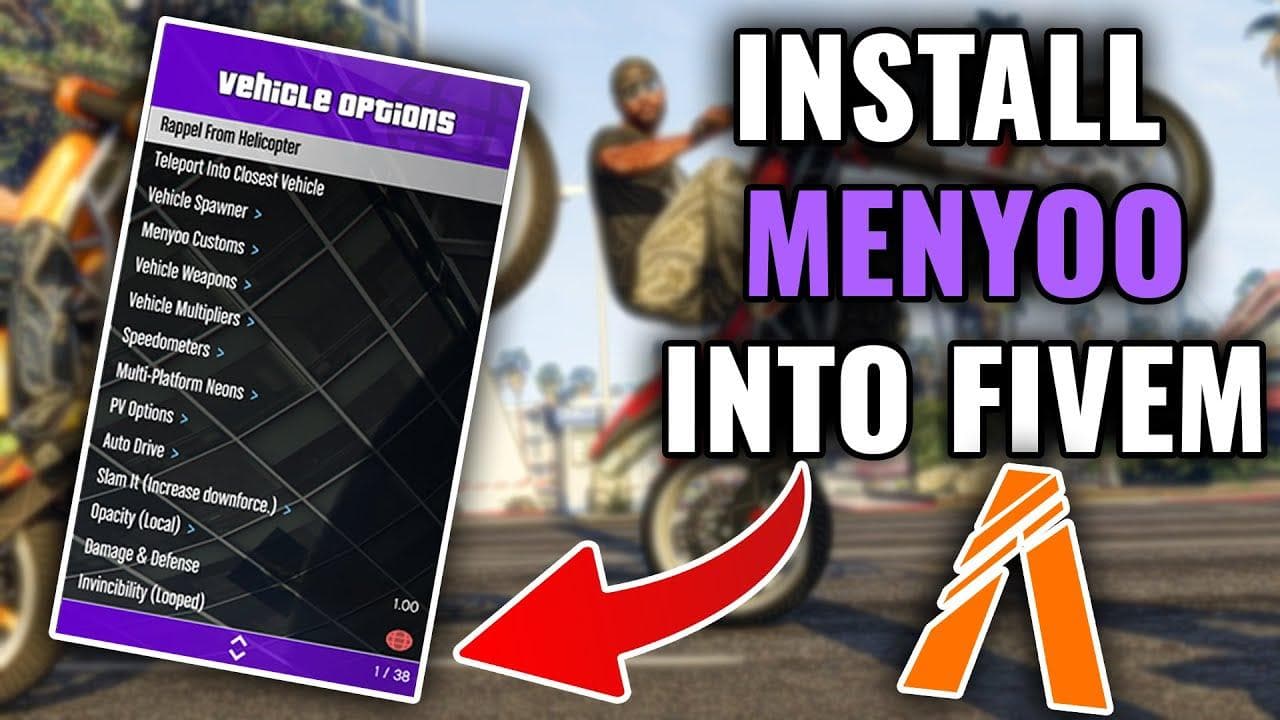
How to Install Menyoo in FiveM
 RocketNode Staff
Want to use Menyoo PC in GTA V? Menyoo is one of the most popular trainers for Grand Theft Auto V, giving you access to vehicle spawning, object placement, character customization, teleportation, weather controls, and much more.
This guide explains how to install Menyoo step by step, including the required files, folder structure, controls, and common troubleshooting solutions.
Important: This guide is for GTA V Story Mode on PC. MenyooSP is not intended for GTA Online. Using modified game files or trainers in GTA Online can result in account or gameplay restrictions, so keep your modded installation separate from online play.
What Is Menyoo PC?
Menyoo PC, also known as Menyoo Custom Menu, is a single-player trainer for GTA V. It adds an extensive in-game menu that lets you control characters, vehicles, objects, weapons, weather, time, and other elements of the game.
One of Menyoo's biggest advantages is its Object Spooner, which allows you to create and save custom scenes, maps, interiors, stunt tracks, and other setups without needing to edit the game manually.
Menyoo Features
Some of the main features available in Menyoo include:
- Object Spawner: Spawn, move, rotate, and save objects, vehicles, and NPCs.
- Player Options: Enable features such as God Mode, Super Jump, Fast Run, Invisibility, and character model changes.
- Vehicle Spawner: Spawn vehicles from across GTA V and customize their appearance and performance.
- Teleportation: Quickly travel to different locations around Los Santos.
- World Controls: Change the time, weather, gravity, and other environmental settings.
- Weapon Options: Access weapons, ammunition options, and various gameplay modifications.
- Custom Maps: Create and save scenes or maps using Spooner Mode.
What You Need Before Installing Menyoo
Before installing Menyoo, make sure you have the following:
- GTA V for PC
- Script Hook V
- Menyoo PC
- A file extraction program such as 7-Zip or WinRAR
You should also make sure that GTA V is fully updated before installing the latest compatible versions of Script Hook V and Menyoo.
How to Install Menyoo in GTA V
Step 1: Download Script Hook V and Menyoo
Download the latest versions of Script Hook V and Menyoo PC from their official or trusted sources.
Script Hook V provides the necessary ASI loader that allows trainers such as Menyoo to run.
Menyoo is normally distributed as a ZIP archive containing the trainer files and its required folders.
Step 2: Find Your GTA V Installation Folder
Locate the main GTA V installation directory on your PC.
The correct folder is the one containing:
GTA5.exe
Depending on where you purchased GTA V, the installation location may be different. The important thing is to find the root GTA V folder, rather than a subfolder such as update or mods.
Step 3: Install Script Hook V
Open the Script Hook V ZIP file and locate its bin folder.
Copy the following files into your main GTA V directory:
ScriptHookV.dll
dinput8.dll
You do not need to install the included NativeTrainer if your goal is to use Menyoo.
Your GTA V folder should now contain the Script Hook V files alongside GTA5.exe.
Step 4: Install Menyoo
Open the downloaded Menyoo archive.
Copy the following into the main GTA V directory:
Menyoo.asi
menyooStuff/
The final structure should look similar to this:
GTA V Main Directory/
├── GTA5.exe
├── ScriptHookV.dll
├── dinput8.dll
├── Menyoo.asi
└── menyooStuff/
Make sure Menyoo.asi and the menyooStuff folder are placed in the correct directory. A common installation mistake is putting these files inside another folder instead of directly next to GTA5.exe.
Step 5: Launch GTA V in Story Mode
Start GTA V and enter Story Mode.
Once the game has loaded, use the default Menyoo keyboard shortcut to open the menu. If the menu does not appear, check the troubleshooting section below.
Tip: The default Menyoo controls can vary depending on the version and configuration. Check the included configuration files if you need to change the menu key or other settings.
Menyoo Controls
Menyoo is primarily designed to be controlled using the keyboard and numpad.
| Action | Keyboard |
|---|---|
| Open / Close Menu | F8 |
| Navigate Up | Numpad 8 |
| Navigate Down | Numpad 2 |
| Select | Numpad 5 |
| Go Back | Numpad 0 |
| Adjust Values | Numpad 4 / Numpad 6 |
If you are using a controller, the available controls may depend on your GTA V and Menyoo configuration.
Best Menyoo Features to Try
Once Menyoo is working, there are several features worth exploring.
Player Options
The Player Options section lets you modify your character and gameplay experience.
Some commonly used options include:
- God Mode: Makes your character resistant to most sources of damage.
- Never Wanted: Prevents or removes the wanted level.
- Model Changer: Changes your character into different GTA V models.
- Super Jump: Allows your character to jump significantly higher.
- Fast Run: Increases running speed.
- Invisibility: Makes your character invisible in many situations.
Vehicle Options
Menyoo's vehicle tools allow you to quickly spawn and customize vehicles.
You can:
- Spawn vehicles by model.
- Repair or clean vehicles.
- Modify vehicle performance.
- Change colors and visual components.
- Add or remove vehicle upgrades.
- Enable vehicle-related protection options.
- Save customized vehicles for later use.
Object Spooner
Object Spooner is one of Menyoo's most useful features, especially if you enjoy creating custom scenes.
With Spooner Mode, you can:
- Spawn props and objects.
- Place vehicles and NPCs.
- Move objects precisely.
- Rotate objects.
- Build custom scenes.
- Create stunt courses and environments.
- Save and load creations.
Saved Spooner creations are typically stored inside the Menyoo data folders, allowing you to load them again later.
World and Weather Options
Menyoo also gives you extensive control over the GTA V environment.
You can change:
- Time of day.
- Weather conditions.
- Gravity.
- Game speed.
- Various world settings.
For example, you can create a nighttime scene during a thunderstorm or experiment with low-gravity gameplay.
Menyoo Not Working? Try These Fixes
If Menyoo does not appear after launching GTA V, check the following solutions.
1. Check Script Hook V Compatibility
GTA V updates can cause Script Hook V to stop working until it receives an update compatible with the new game build.
If Menyoo suddenly stops working after a GTA V update, check whether your installed version of Script Hook V supports your current game version.
2. Check the File Location
Make sure these files are located directly in your GTA V root directory:
ScriptHookV.dll
dinput8.dll
Menyoo.asi
The menyooStuff folder should also be in the same location.
3. Make Sure the Files Were Extracted Correctly
Do not leave the Menyoo files inside the original ZIP archive.
For example, this is incorrect:
GTA V/
└── Menyoo/
    └── MenyooSP.zip
The files need to be extracted so that Menyoo.asi is accessible from the GTA V root directory.
4. Check for Conflicting Mods
Other ASI plugins, trainers, or outdated mods can interfere with Menyoo or Script Hook V.
If Menyoo worked previously and suddenly stopped, temporarily remove recently installed mods and test the game again.
5. Reinstall the Latest Compatible Files
If the installation is still not working, remove the old Menyoo and Script Hook V files and install versions that are compatible with your current GTA V build.
Can You Use Menyoo in GTA Online?
No. Menyoo is intended for GTA V Story Mode.
You should not attempt to use Menyoo or other single-player trainers while playing GTA Online. Modifying the game for online play can lead to restrictions or other account-related consequences.
If you regularly switch between modded Story Mode and GTA Online, keep your installations and mod files organized carefully and make sure your online game is running without incompatible modifications.
Frequently Asked Questions
Is Menyoo free?
Yes. Menyoo PC is distributed as a free GTA V trainer.
Does Menyoo work on GTA V PC?
Yes, Menyoo is designed for the PC version of GTA V. However, compatibility depends on the GTA V game build and the version of Menyoo and Script Hook V you are using.
Do I need Script Hook V for Menyoo?
Yes. Menyoo relies on Script Hook V and its ASI loading functionality to run in GTA V.
Where do I install Menyoo?
Menyoo's main files should normally be placed in the GTA V root directory, alongside GTA5.exe.
Why does Menyoo stop working after a GTA V update?
A GTA V update can change the game's executable and cause Script Hook V to become incompatible. In that situation, you may need to wait for a compatible Script Hook V release and update your installed files.
Can Menyoo create custom maps?
Yes. Menyoo's Object Spooner allows you to create and save custom scenes, object arrangements, vehicles, and NPC setups.
Final Thoughts
Menyoo is one of the most versatile trainers available for GTA V Story Mode on PC. Once installed correctly, it gives you an enormous amount of control over vehicles, characters, objects, weather, and the game world.
The installation itself is simple: install Script Hook V, copy the required Menyoo files into the GTA V root directory, launch Story Mode, and open the trainer.
If Menyoo stops working after a game update, the first things to check are Script Hook V compatibility, file locations, and conflicts with other mods.